How to Install Your Kwetu eSIM: Quick Setup Guide 🚀
Get connected in under 2 minutes—no physical SIM required! 📱 Follow these simple steps to install your Kwetu eSIM directly from your account: ✨
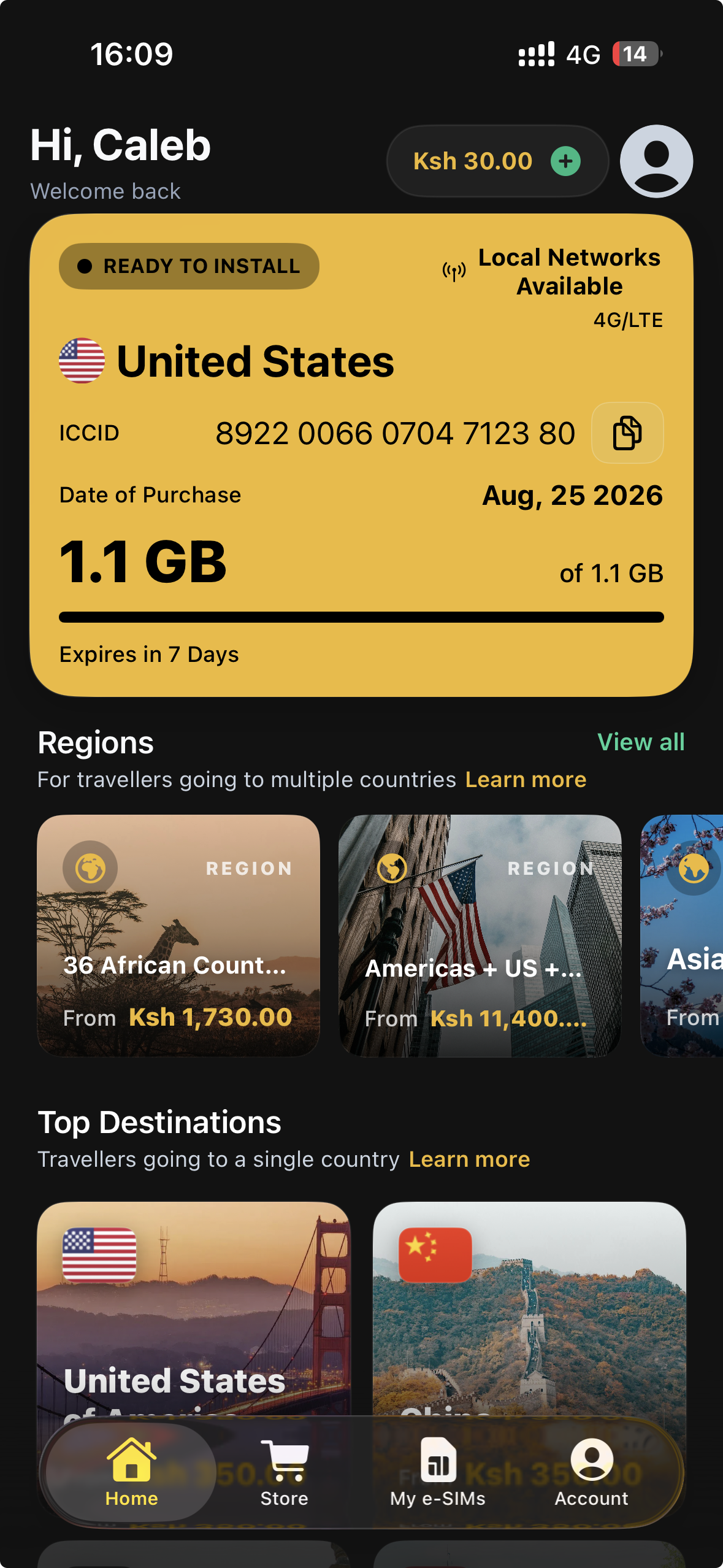
- 1. Go to “My eSIMs” 📑: Log into your Kwetu account to view your purchased plans and current statuses.
- 2. Select Your eSIM 🎯: Choose the plan you want to use and tap “Install eSIM” right below the plan details.
- 3. Auto-Detect Setup 📲: The system automatically identifies your device (iOS or Android) and opens the correct built-in installer—no manual code entry needed!
- 4. Confirm Prompts ✅: Follow the quick on-screen device prompts to register the virtual SIM profile to your phone’s chip.
- 5. Turn On Data Roaming 🌍: Once at your destination, switch on Data Roaming for your Kwetu line to start browsing immediately! ✈️
💡 Pro Tip: Make sure you are connected to Wi-Fi or mobile data before starting the installation! 📶

