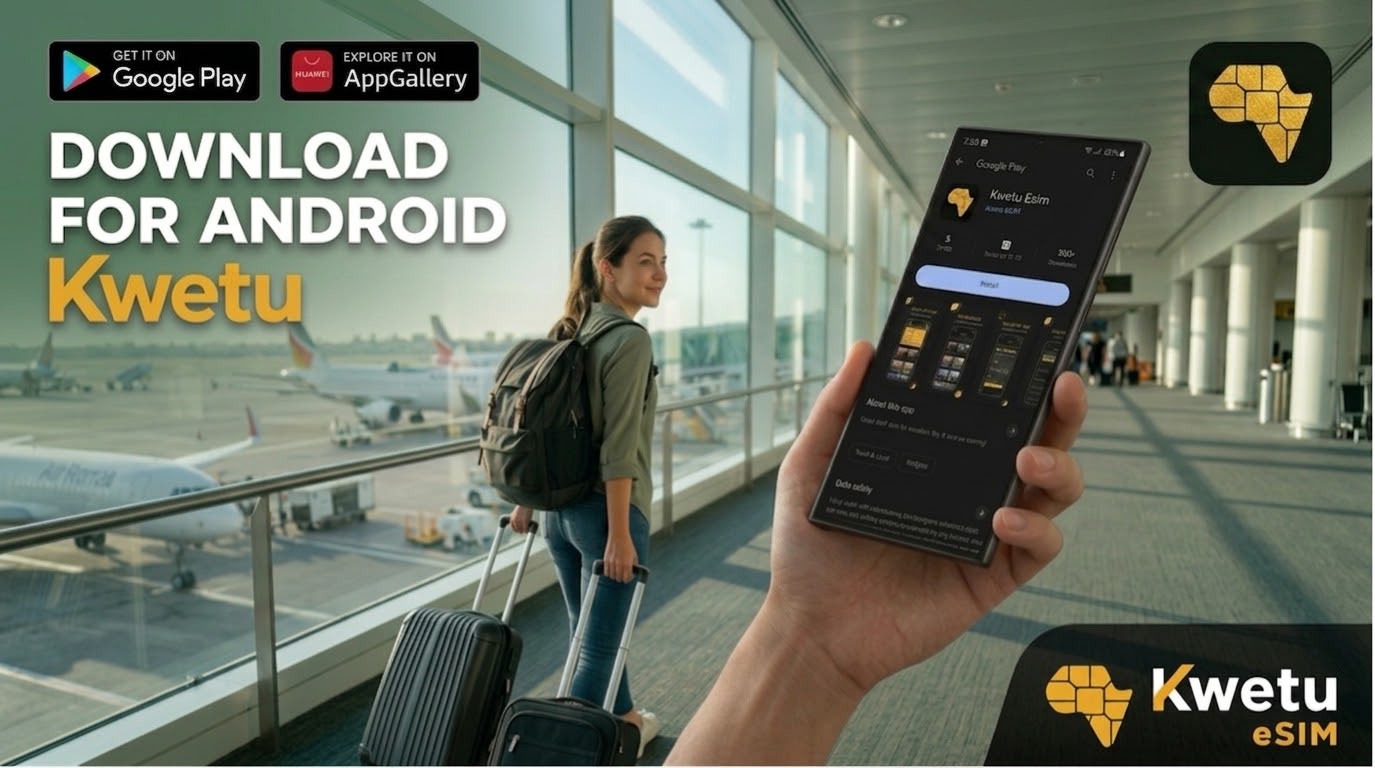
How to Download the Kwetu eSIM App on Android
Getting started with Kwetu eSIM only takes a couple of minutes. Depending on your device, you can download the Kwetu eSIM app from Google Play or Huawei AppGallery, then set up your account and start browsing eSIM plans.
Step 1: Download the App
Option A — Google Play
If you’re using an Android device with Google Play, open the Google Play Store and search for:
Kwetu eSIM
Find the Kwetu eSIM app and tap Download to install it.
You can also download it directly here:
Download Kwetu eSIM from Google Play
Option B — Huawei AppGallery
If you’re using a Huawei device, open Huawei AppGallery and search for:
Kwetu eSIM
Find the Kwetu eSIM app and tap Download to install it.
You can also download it directly here:
Download Kwetu eSIM from Huawei AppGallery
Option C — Use the direct link (easiest)
Go to https://kwetuesim.com/download.
The link automatically detects your device and redirects you to the right store.
Step 2: Create Your Account
Once the app is installed, open Kwetu eSIM and sign up using any of the following:
- Google Account
- Apple Account (iOS users only)
- Yahoo Account
That’s it — your account is ready, and you can move on to browsing eSIM plans.

