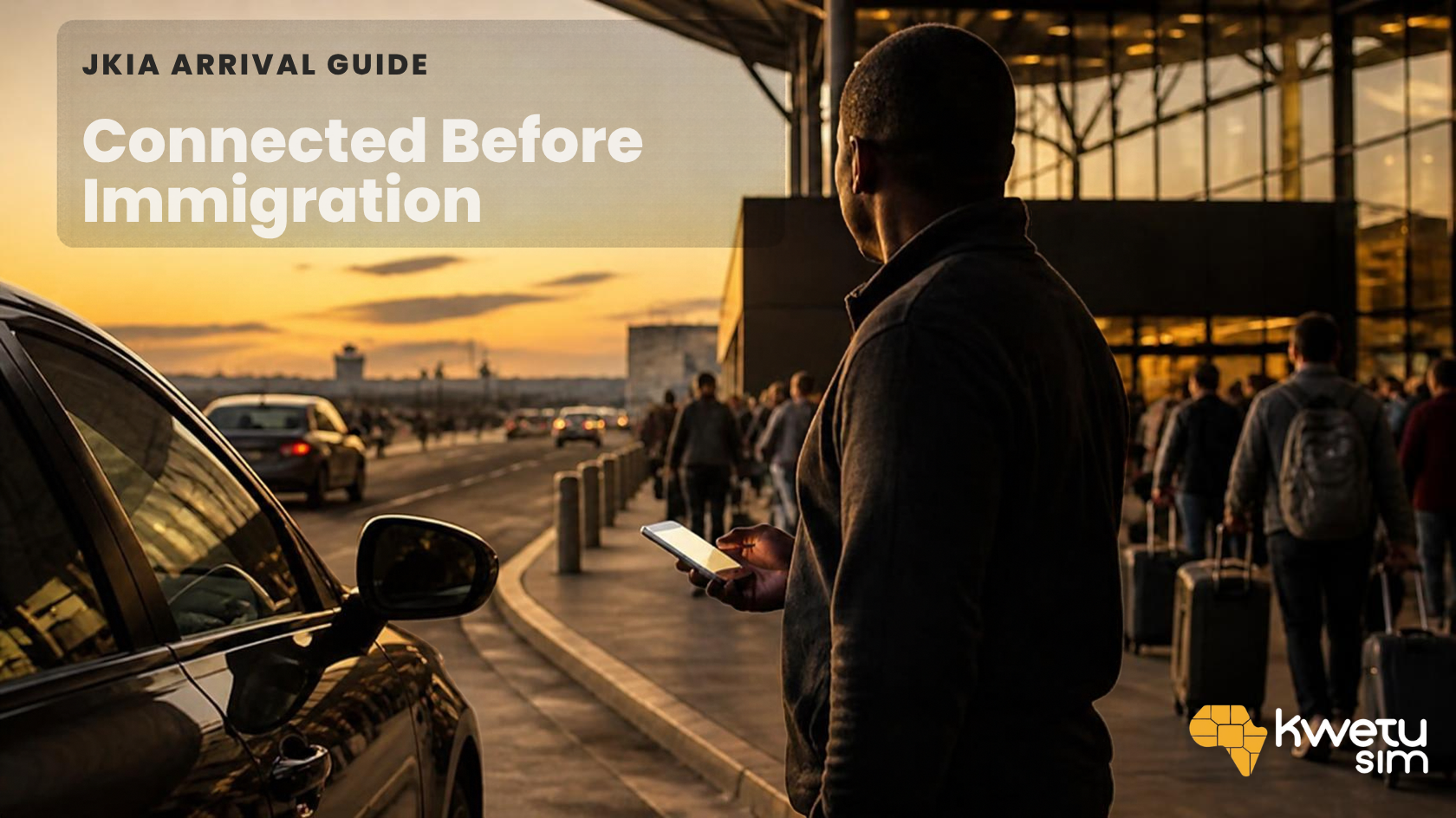
Nairobi JKIA eSIM: Online Before You Even Reach Immigration
Picture this: you’ve just landed in Nairobi after a long-haul flight. Your phone says “No Service.” Your driver is somewhere outside typing “I’m here, where are you?” into a WhatsApp message you can’t see yet. And the only way to find out is to either queue for the airport Wi-Fi login page, or start hunting for a SIM card counter before you’ve even found your bags.
A Kwetu eSIM means that scene just doesn’t happen to you. You prepare your Kenya data connection before your flight, so the only thing waiting for you after immigration is your ride — not a connectivity scramble.
Whether you’re landing for a safari, a business trip, a holiday, or just passing through Nairobi on your way somewhere else, having data from the moment you land changes those first ten minutes completely.
Why sort your eSIM before you land at JKIA?
The first few minutes after landing are exactly when you need your phone most — and they’re also the minutes you have the least patience to spend troubleshooting.
You might need to message your driver, open a ride-hailing app, confirm your hotel booking, or pull up Google Maps the second you clear immigration. All international arrivals come through Terminal 1E, and from there it’s a roughly 15km drive into the city — plenty of time to already be messaging ahead if your data’s working.
Without it, you’re stuck relying on the terminal’s Wi-Fi, or hunting for a local SIM counter with a long flight’s worth of jet lag working against you.
With Kwetu, you buy and install your eSIM before you fly. Once you land, you switch it on, set it as your mobile data line, and turn on data roaming. That’s it — no searching, no queueing, no “let me just find a signal first.”
Okay, but isn’t there free Wi-Fi at JKIA?
Technically, yes — there is free Wi-Fi across the terminals. But here’s the catch most people don’t find out until they’re standing there trying to use it: it usually requires registering with your email on a login page, and sessions are typically time-limited rather than an all-day connection. It’s fine for checking one email while you wait at the carousel. It’s not a real plan for your whole trip.
A travel eSIM is the difference between “there’s Wi-Fi somewhere in this building” and “I have a connection that’s mine, that works the second I step outside too.”
What can you actually use your Kenya eSIM for?
Your Kwetu Kenya eSIM covers everything you’d normally reach for your phone for:
- Google Maps and navigation
- Ride-hailing apps
- WhatsApp and messaging
- Email and work communication
- Travel bookings
- Social media
- Checking flight and hotel information
- Contacting your tour operator or driver
If you’re heading out on safari, this matters even more once you leave Nairobi — you’ll want data moving between destinations, not just at the airport.
Just passing through Nairobi?
JKIA isn’t only a destination — it’s one of the busiest connection points in East Africa. If Nairobi is just a layover for you, having your eSIM ready still makes that stopover easier: arranging onward transport, checking a gate change, or messaging a travel companion without needing to find Wi-Fi first.
If your Kwetu plan covers your onward destination too, it’s worth checking whether a regional option makes more sense than buying two separate plans.
How to get your Kwetu eSIM before you fly
Getting connected starts well before you reach JKIA:
- Download the Kwetu eSIM app.
- Create or log into your account.
- Search for Kenya.
- Choose the data package that suits your trip.
- Complete your purchase.
- Install your eSIM before travelling.
- When you arrive in Kenya, select Kwetu as your mobile data line.
- Turn on data roaming.
Install this before you fly, not after you land. The whole point is that your first ten minutes in Kenya should be about getting to where you’re going — not about finding Wi-Fi strong enough to install an eSIM profile.
Ready for Kenya?
From Nairobi city breaks to safari adventures and coastal escapes, staying connected makes every part of travelling around Kenya easier — starting with the walk from the gate to immigration.
Get your Kwetu Kenya eSIM ready before you fly, and land at JKIA already connected.